
Plan the route. Track buffs, relics and spirit.
Plan Fellowship dungeon routes on the real map, right here. In game, the Windows app tracks your buffs, party relics and spirit.

Windows 10 (version 2004) or Windows 11, 64-bit. The planner works in any browser.The app is for Windows. The planner works in this browser.
It reads the combat log and the screen. It never touches the game.



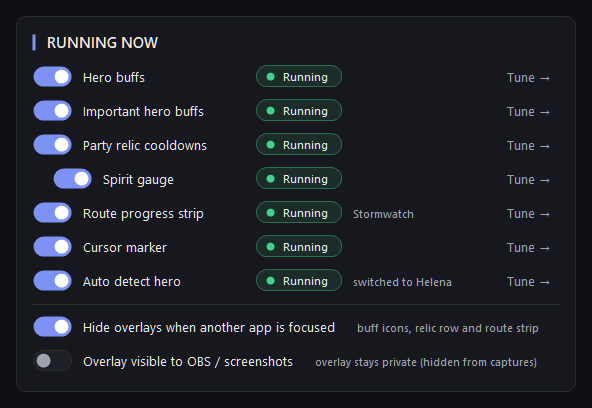
The strip marked with the arrow is the route on the map above, live over the game: the current pull, what is dead and your percent, read from the combat log.
In the app, the route you plan runs live over the game.
Windows 10 (version 2004) or Windows 11, 64-bit. The planner works in any browser.The app is for Windows. The planner works in this browser.
It reads the combat log and the screen. It never touches the game.
Route Planner
Plan the route, then share it
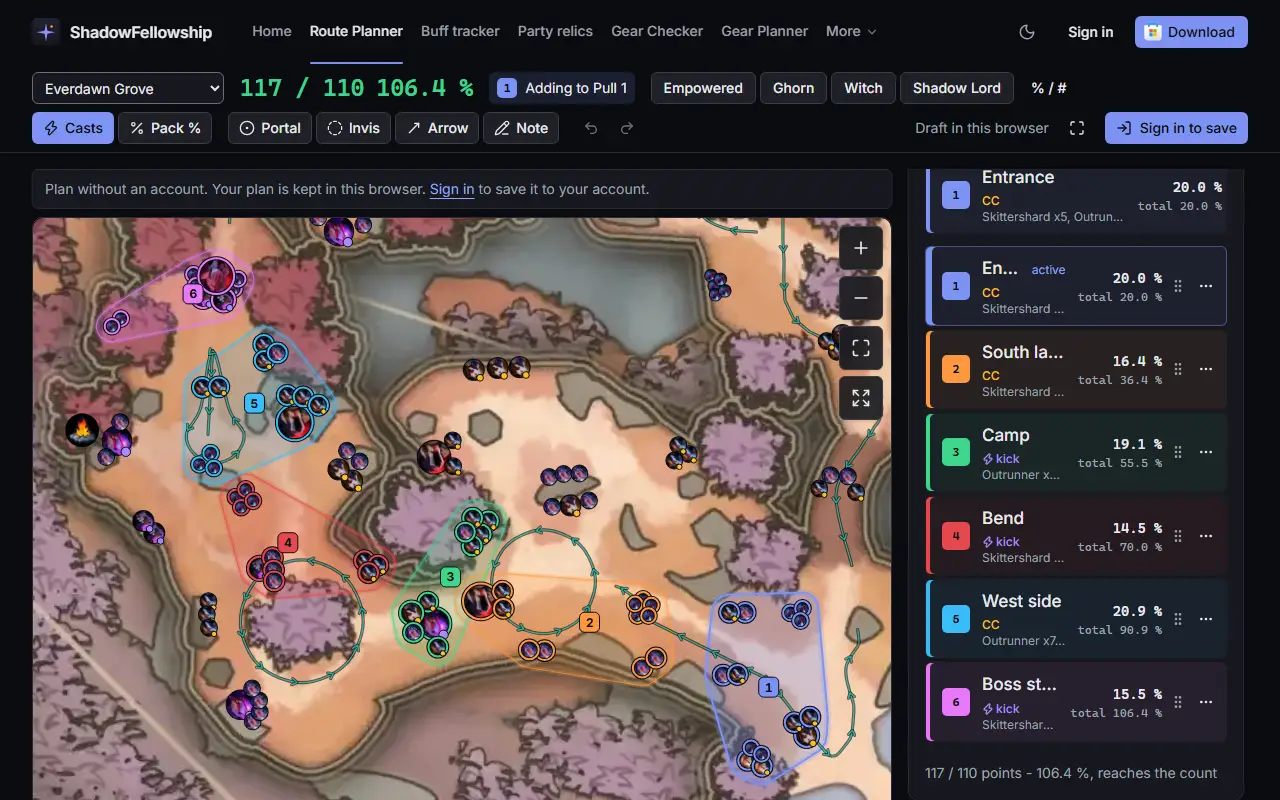
Plan it on the web or in the app, on the dungeon's real map. Publish it from the web, and players vote for the routes that work.
- Pulls in order, numbered on the mapEach pull has its colour and its share of the points.
- The game's own map and portraitsEvery dungeon in the app's data, bosses included.
- The kill count after every edit117 of 110 points: this route reaches the count.
- Live in the appThe same route runs over the game as the PULL strip.
In game
Buff timers, party relics and spirit on one overlay
The Windows app draws over the game. It reads your buff bars from the screen and the party's relics and spirit from the combat log.
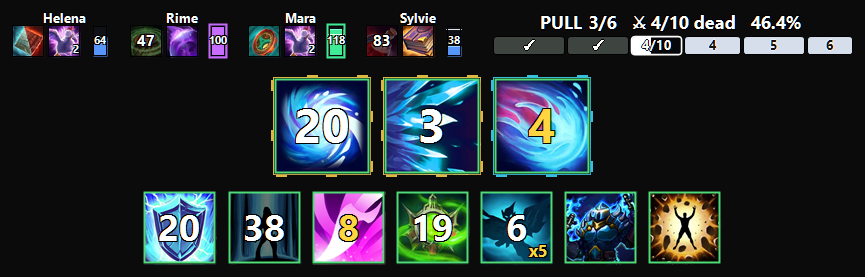
- Relic cooldowns for the whole partyRime's relic is back in 47 s.combat log
- Spirit for each memberMara is at 118.combat log
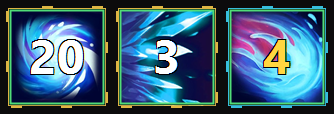
- Countdowns, large and readable20 s left on this buff.screen
- Stacks in yellow4 stacks on this buff.screen
- Countdown and stacks together6 s left, 5 stacks.screen
- Your route, liveThe sample route at pull 3 of 6, 4 of 10 dead, 46.4 %.combat log
What it does
Every feature, and where it runs
Badges say where each one runs.
Showing 12 of 12 features.
In the game
Buff tracker
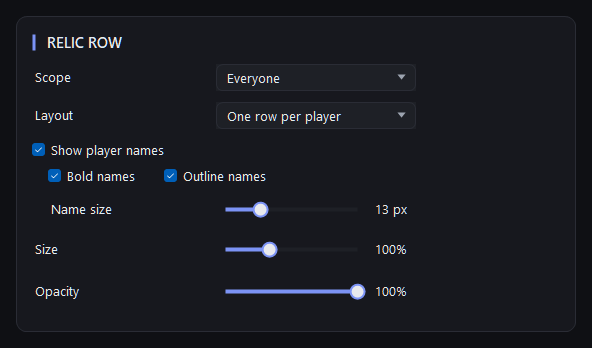
Your buff timers and stacks, read off the game's own buff bars and drawn the way you want them.App onlyParty relics and spirit
Every party member's relics and their cooldowns in one row, plus each member's spirit, from the combat log.App onlyCursor marker
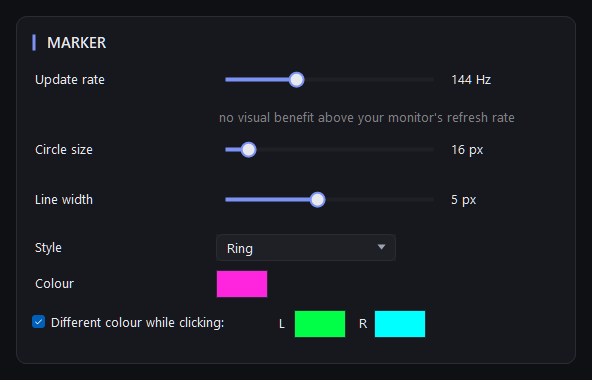
A ring or dot that keeps your cursor easy to find in a busy fight.App onlyHero auto-detect
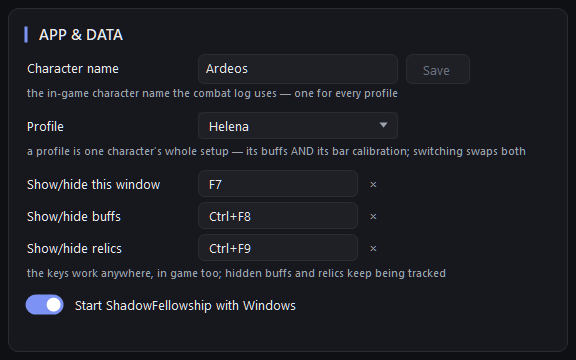
Change hero in the game and the app moves to that hero's setup by itself.App onlyProfiles, keys and privacy
One setup per character, keys that work in game, and an overlay that stays out of your stream.App only

Between runs
Route Planner
Plan dungeon pulls on the real map, on the web or in the app, then follow the plan live in game.App + webBetaGear Checker
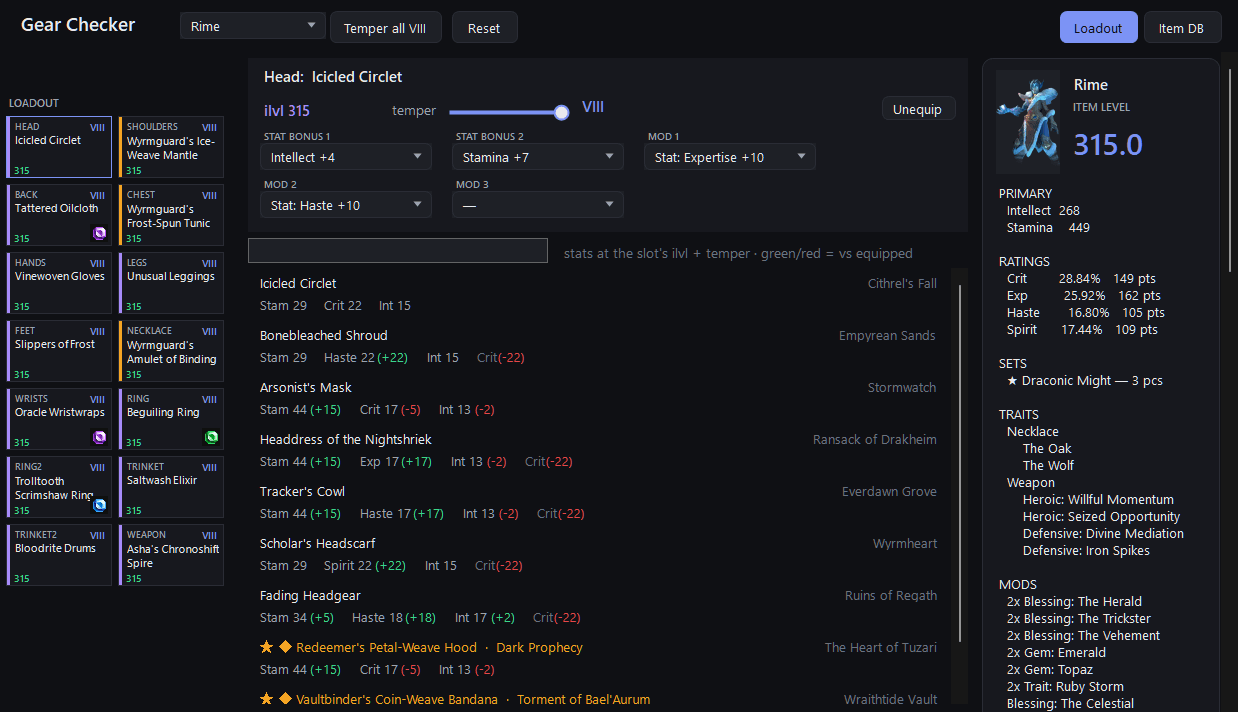
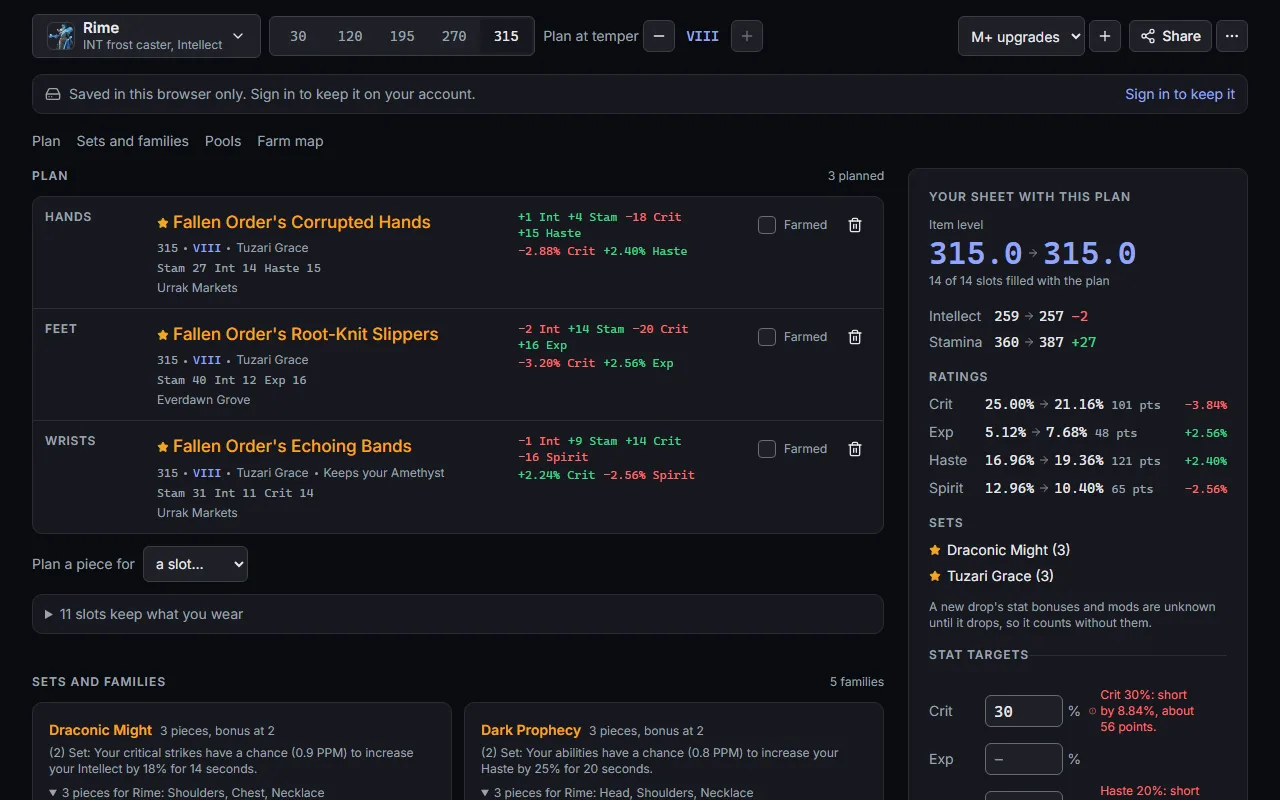
Check a loadout piece by piece: item level, temper, and what each swap does to your stats.App + webGear Planner
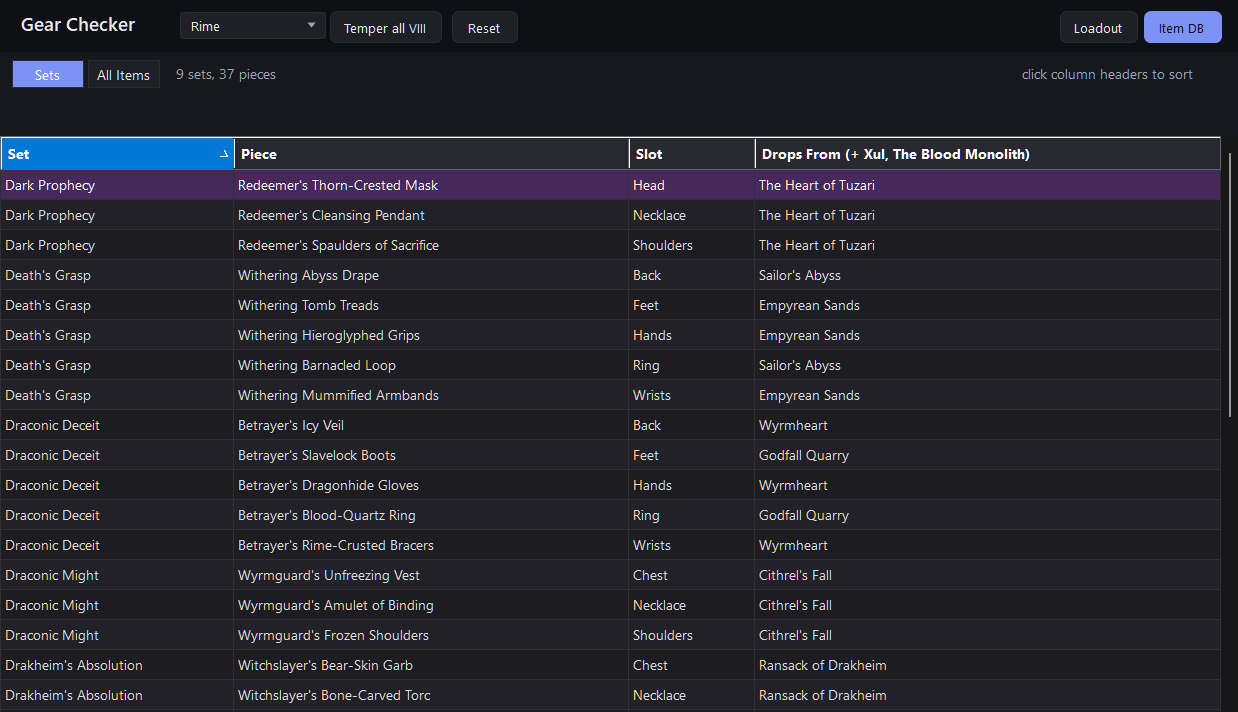
Pick the pieces you want next, see what they do to your stats, and where each one drops.App + webLoot database
Every set piece and item of the season, searchable, in the Gear Checker and on the website.App + webKnowledge base
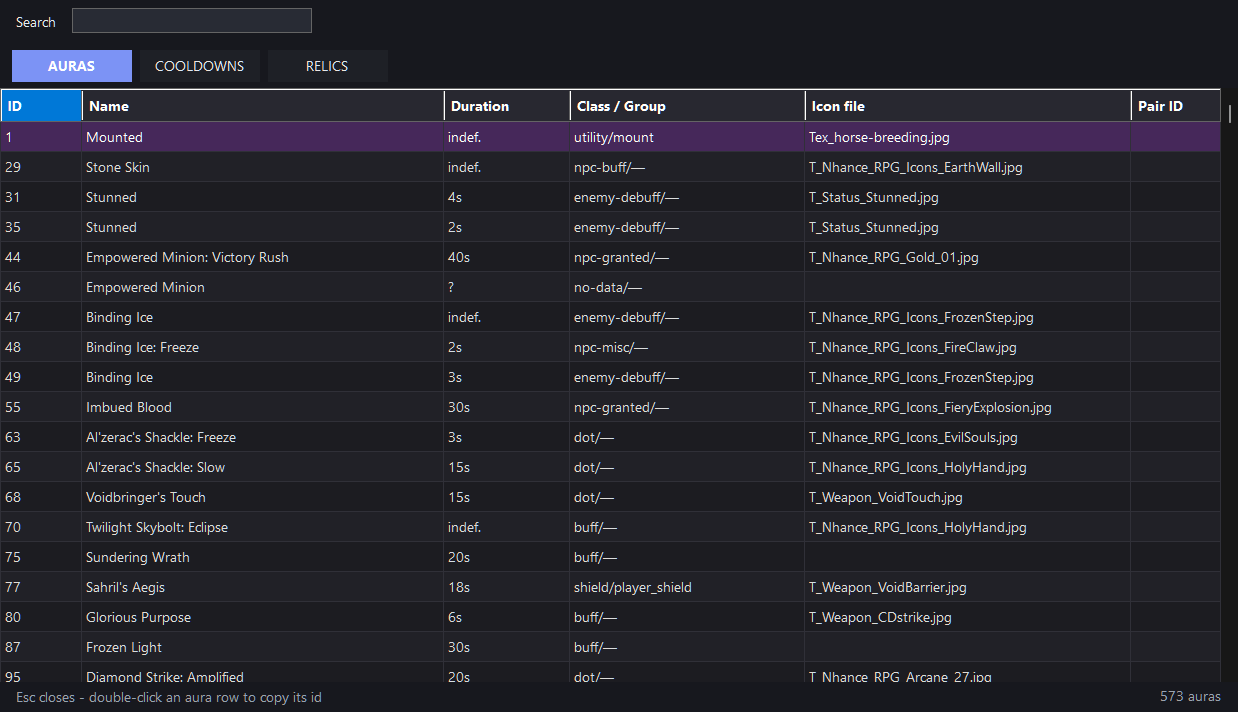
Auras, relics, heroes and dungeons with ids, durations and cooldowns; 571 auras confirmed in real combat logs.App + webHUD profiles
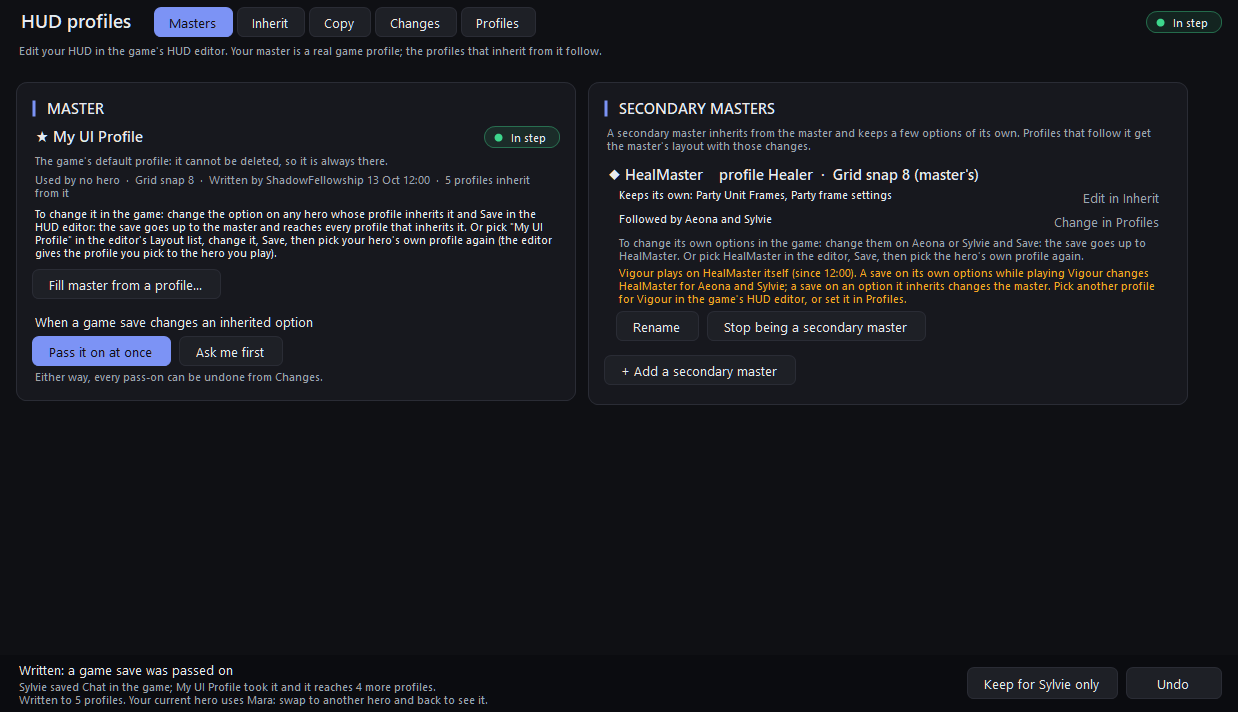
Keep every hero's game HUD in step from one master. You edit in the game; the app passes it on.App onlyIn the next update
Everywhere
6 of 12 features run only in the Windows app.

How it works
Out of process, display only
The same kind of program as OBS or PowerToys: it watches, it draws in its own window, it never reaches into the game.
What it reads
- The combat-log text file the game writes.
- The pixels of the two buff rows you place a box over, plus a 5-pixel hero probe if you switch auto-detect on.
- The global cursor position, for the marker.
- The game's HUD profile files, when you use HUD profiles.In the next update
What it never does
- Inject into or hook the game.
- Read the game's memory.
- Send keys or clicks.
- Automate anything.
- Upload your screen.
Your setups, kept on your account
Coming in an app update: sign the app in with Discord and it saves your buff profiles, and your app settings if you switch that on, to your account. See, restore and download them on the website. The app works without an account.
Get ShadowFellowship
Windows 10 (version 2004) or Windows 11, 64-bit. Updates arrive through the Store.